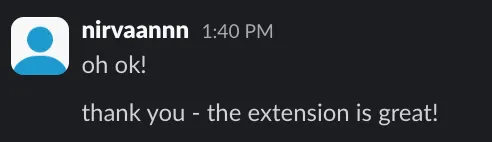
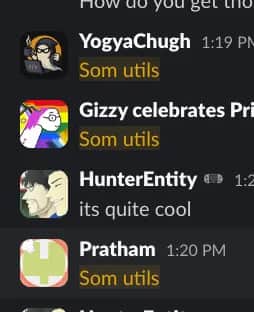
“Truly life changing. Before using Stardance Utils I had broken wrists… now I still have broken wrists but hey, at least I can make a devlog now!”
Rupnil · Chrome Web Store
The missing constellation of features.
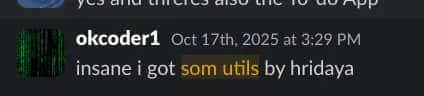
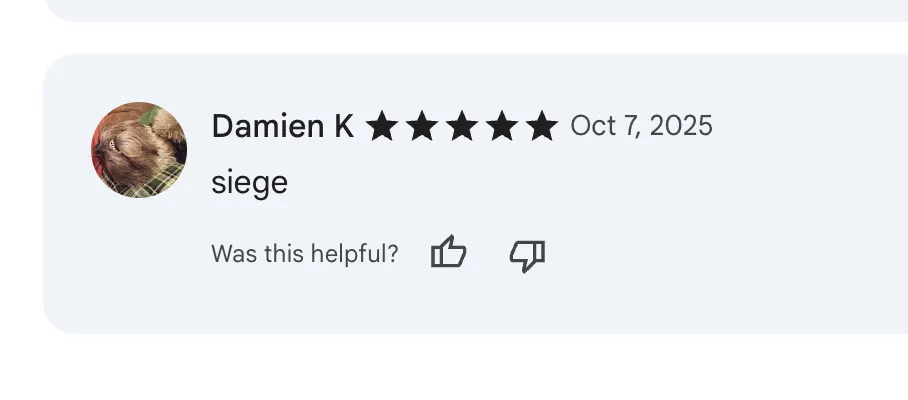
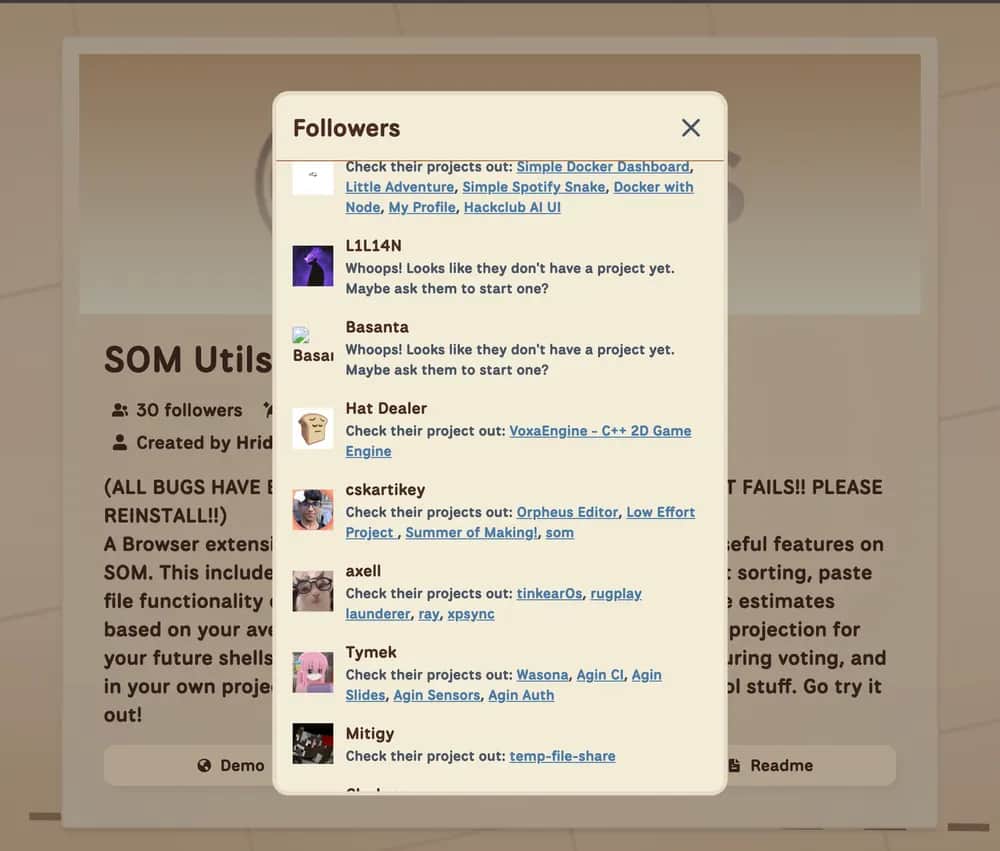
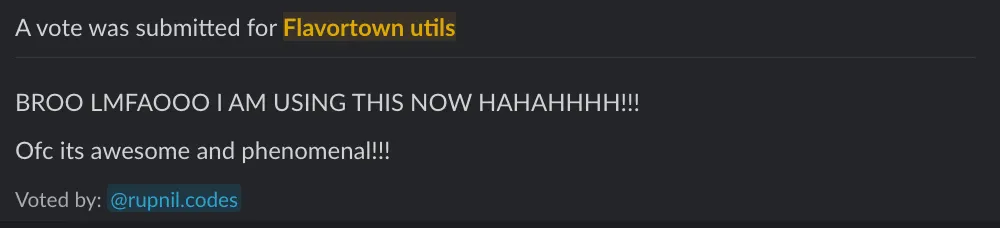
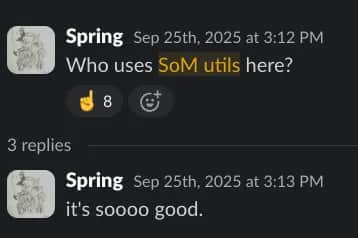
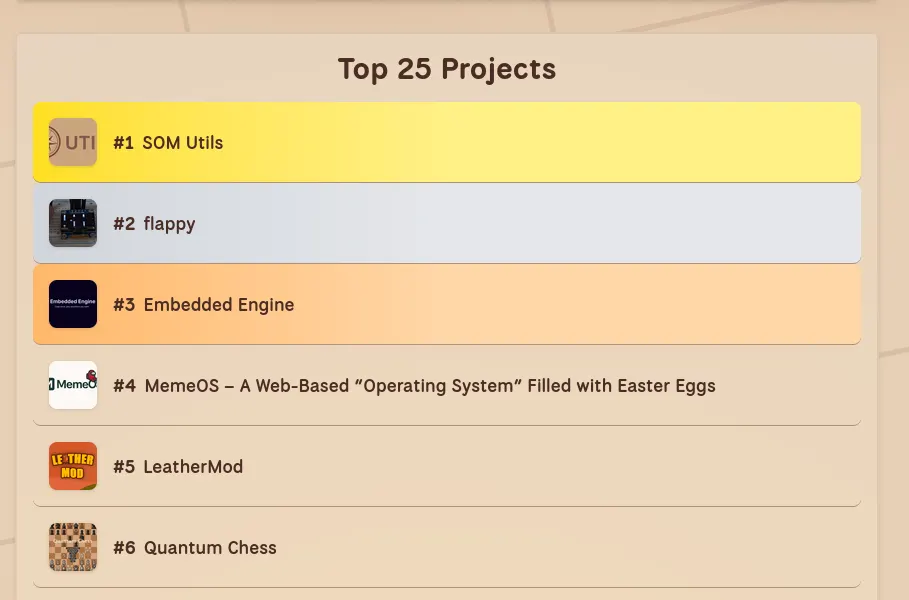
Built by the same person behind FT, Macondo, Siege, and SOM Utils.
Seven themes, including Kanagawa, Nord, Tokyo Night, and Catppuccin variants. The whole interface updates together instead of leaving half the site unchanged.
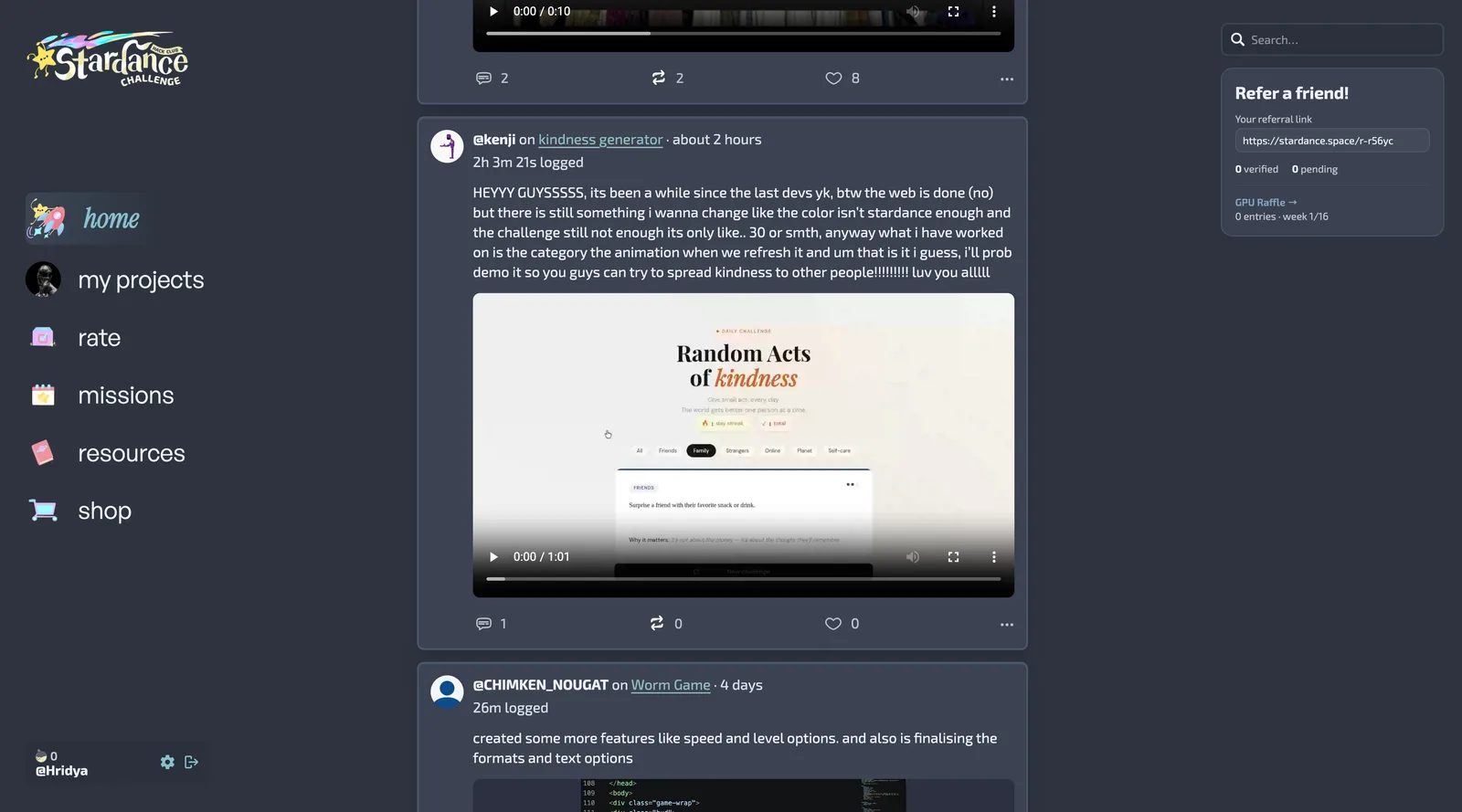
The editor stays on the project page, the post action is always nearby, and edits happen in place instead of inside a separate screen.
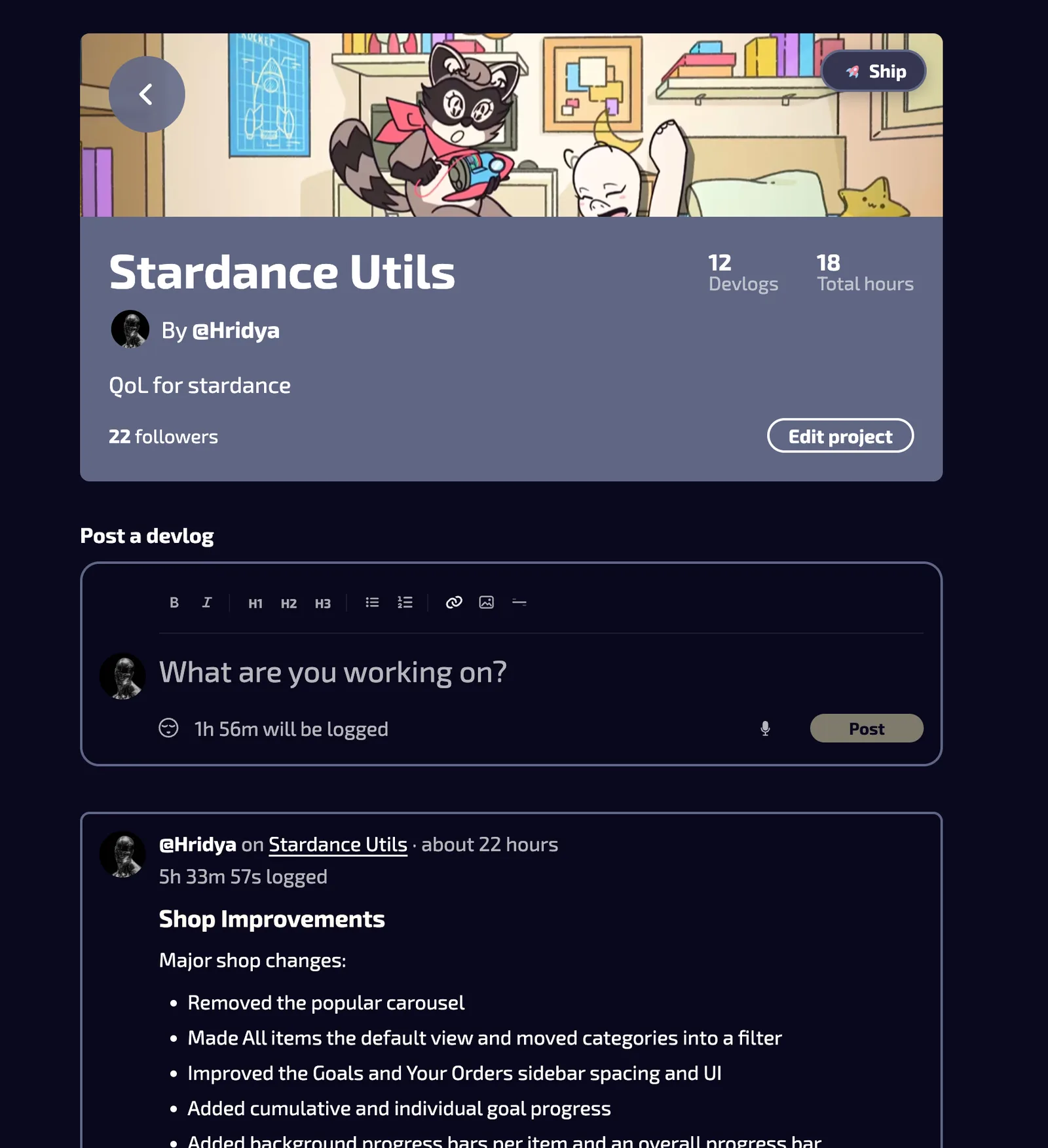
Wishlisted items become goals with price, quantity, and progress tracking. The catalog is easier to sort, and the New shelf still stays where it belongs.
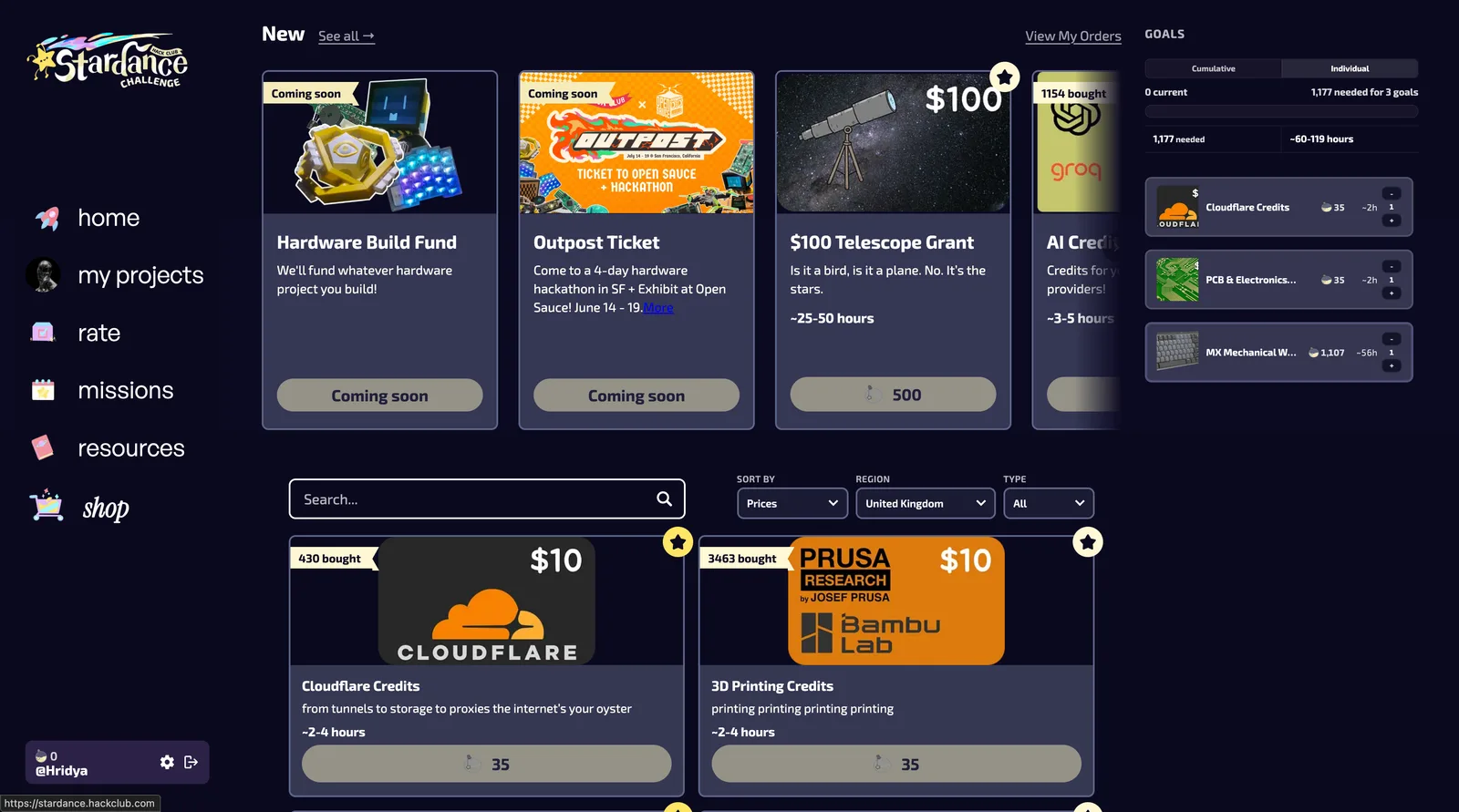
The five above change the feel of Stardance first. These are the smaller tools that close the gaps once you start using it daily.
Use eleven built-in pairings or search Google Fonts directly. Try mode lets you preview options before you save one.
Write with preview, toolbar actions, code blocks, and formatting tools.
Adds a Check AI action to feed cards through OpenAI Verify.
Reorder sidebar tabs with drag and drop so the parts you use most are easier to reach.
Dictate devlogs with the browser's built-in speech-to-text.
Keeps unfinished devlogs around so you can come back later.
Pin projects straight from the Projects tab.
Adds Slack emoji autocomplete and a picker to the composer.
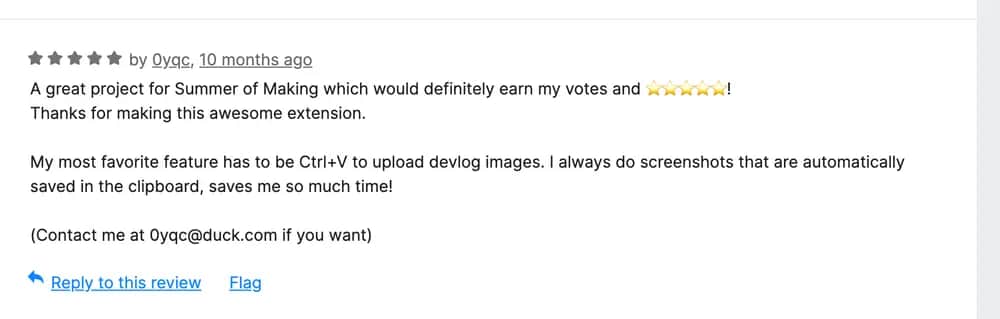
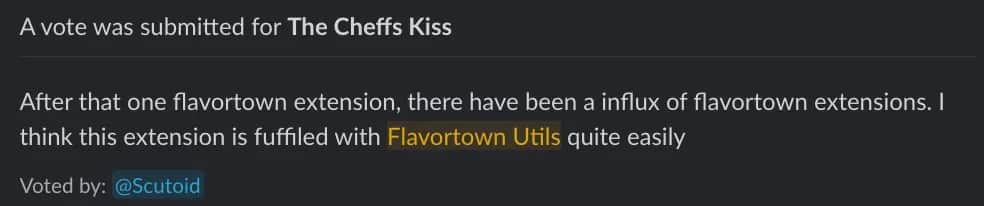
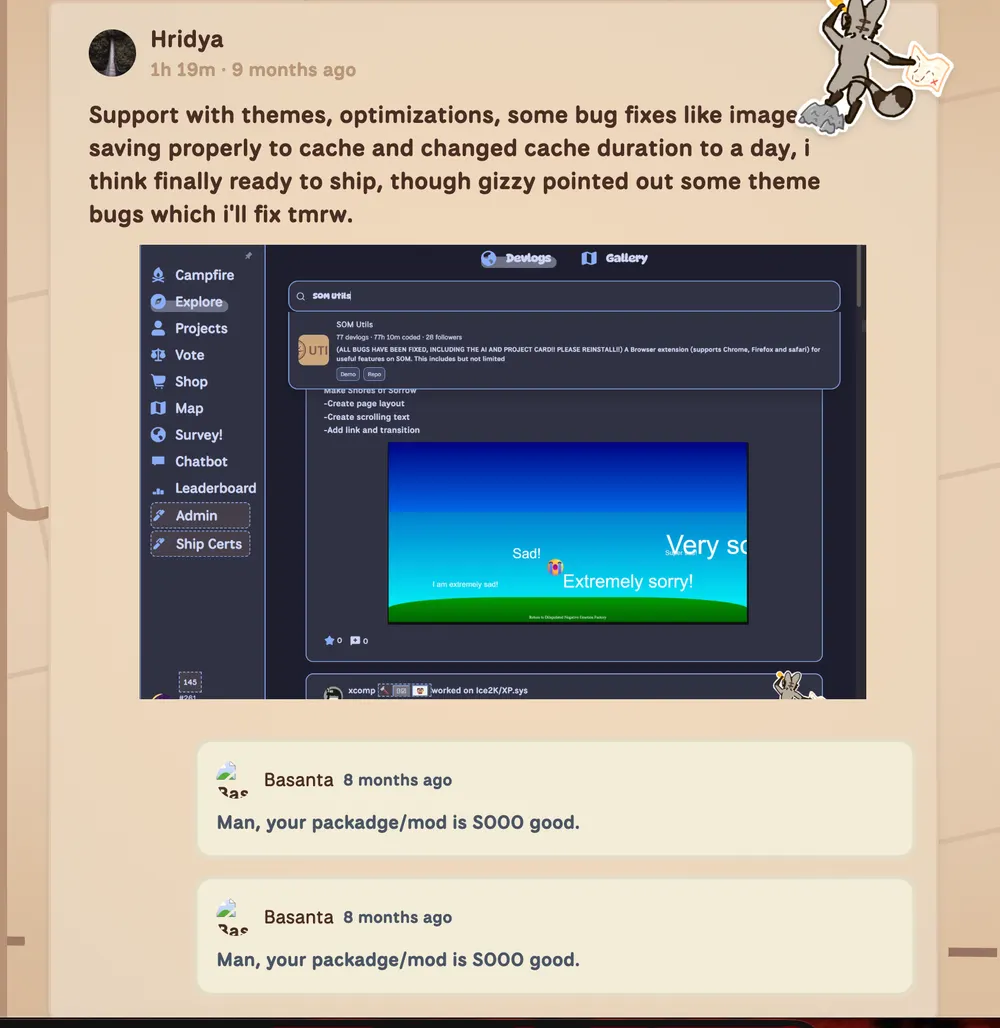
Stardance Utils follows FT, Macondo, Siege, and SOM Utils. The patterns in this release come from shipping earlier tools people actually kept using.




 Now
Now

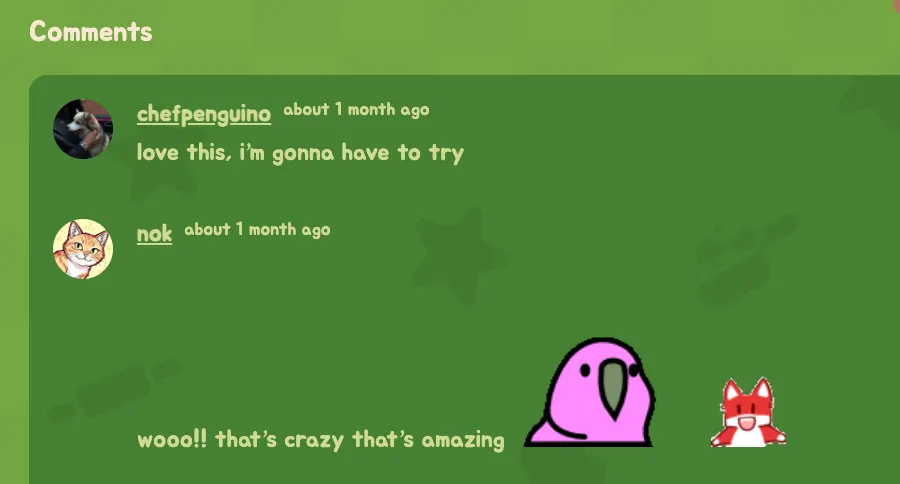

































“Truly life changing. Before using Stardance Utils I had broken wrists… now I still have broken wrists but hey, at least I can make a devlog now!”
“Before this, I had to look at deep purples. With this extension, I selected the Catppuccin Mocha theme and it instantly reduced my eye strain. Thank you Hridya for helping differently-abled people!”






Install the extra toolkit that makes posting, theming, browsing, and editing Stardance feel far less cramped.